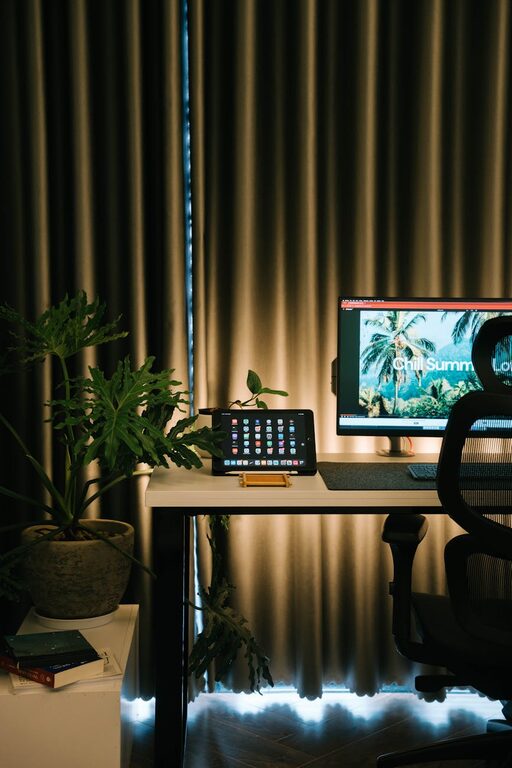
Creating a home workspace that is both cozy and productive can greatly improve your ability to focus and enjoy your workday. Whether you’re working remotely, managing a personal project, or studying, having a comfortable and well-designed environment helps you stay motivated and efficient. Here are some helpful tips to guide you in setting up the perfect home workspace.
Choose the Right Location
Find a Quiet Spot
The first step is identifying a space that minimizes distractions. Look for a quiet corner or room where you can concentrate without interruptions from family members, pets, or household noise.
Consider Natural Light
Natural light boosts mood and alertness. Place your desk near a window if possible, but avoid direct glare on your screen. If natural light is limited, use soft white lighting to maintain a bright and inviting atmosphere.
Invest in Comfortable Furniture
Ergonomic Chair and Desk
Your seating and desk setup can have a huge impact on your comfort and health. Choose an ergonomic chair that supports your back and encourages good posture. Your desk should be at a height where your elbows rest comfortably at a 90-degree angle when typing.
Add Cushions or Footrests
To increase comfort, consider adding cushions, lumbar supports, or a footrest. These small additions can reduce fatigue and improve your overall sitting experience.
Organize Your Workspace Smartly
Declutter Regularly
A clean and organized workspace helps reduce stress and distractions. Keep only essential items on your desk and store other materials in drawers or shelves.
Use Organizers and Storage Solutions
Desk organizers, filing cabinets, and shelves can help you keep papers, stationery, and gadgets neatly arranged. Labeling storage containers also makes it easier to find what you need quickly.
Incorporate Personal Touches
Add Plants
Indoor plants not only enhance the appearance of your space but can also improve air quality and reduce stress. Choose easy-to-care-for varieties like succulents or spider plants.
Display Inspiring Art or Photos
Decorate your workspace with artwork, motivational quotes, or personal photos that make you feel happy and inspired.
Manage Technology Efficiently
Invest in Good Equipment
Ensure your computer, keyboard, mouse, and other tools are reliable and suited to your work needs. Proper technology reduces frustration and downtime.
Use Cable Management Solutions
Organize cables with clips, sleeves, or ties to keep your workspace neat and prevent tangling.
Create a Comfortable Ambiance
Control Room Temperature
Make sure the temperature is comfortable for you. Use fans, heaters, or air conditioners as needed to maintain a pleasant environment.
Manage Noise Levels
Use noise-cancelling headphones, white noise machines, or background music to help maintain focus if the surrounding environment is noisy.
Establish a Routine
Set Clear Work Hours
Having defined work hours helps create boundaries between work and leisure time. This structure encourages productivity and prevents burnout.
Take Breaks
Short breaks during the workday can refresh your mind and body. Use a timer or app to remind yourself to stretch or walk around regularly.
Optimize Lighting
Layer Your Lighting
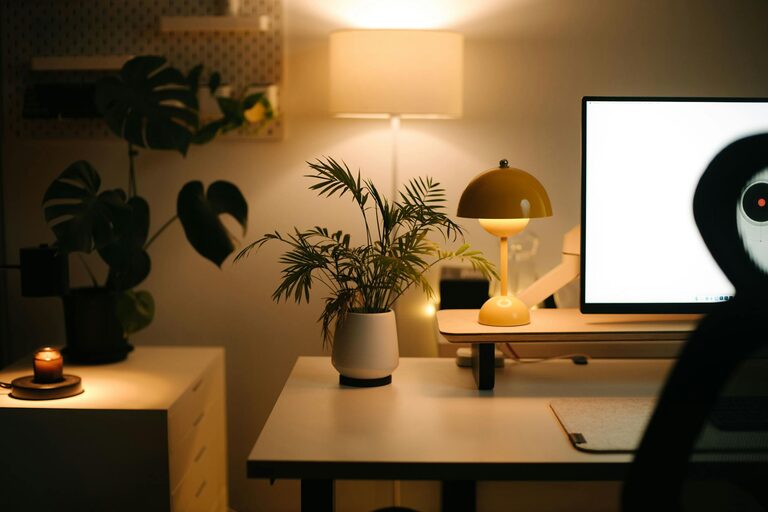
Use a combination of ambient, task, and accent lighting. A desk lamp with adjustable brightness lets you control light levels while reading or typing.
Avoid Screen Glare
Position your computer screen to reduce reflection from windows or lamps to decrease eye strain.
Prioritize Health and Well-being
Stay Hydrated and Snack Wisely
Keep a water bottle handy and choose healthy snacks to maintain energy levels throughout the day.
Incorporate Movement
Try simple stretches or short exercises during breaks to improve circulation and reduce stiffness.
—
By following these tips, you can create a home workspace that’s both welcoming and conducive to productivity. Remember, the key is to make your workspace fit your personal preferences and work habits. A cozy environment tailored to your needs will not only help you get more done but also make your workday more enjoyable.
About the Author